

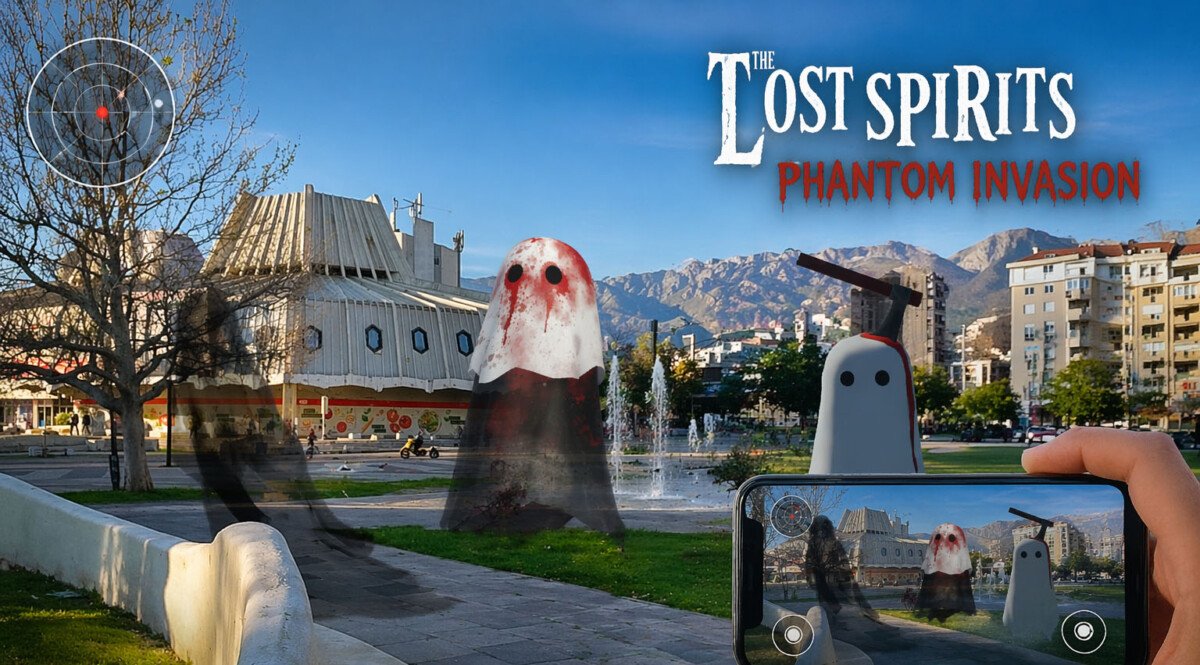
What is occlusion in Simple Terms
The camera has an image of the real world. The Unity renderer has virtual models. To determine which pixel should be shown to the user, the engine compares which is closer to the camera—the real object or the virtual one. If the real object is closer, the virtual object’s pixel is not drawn. This is what creates the effect that a 3D object is behind a sofa, wall, hand, person, or table, rather than on top of them. Unity describes it plainly as follows: occlusion allows virtual content to be hidden or partially hidden by physical objects in the environment.
How it works technically
In AR Foundation, the AROcclusionManager receives frame-by-frame depth images or stencil/segmentation data from the platform. Shaders then use this data, comparing the depth of the real world with the depth of the virtual geometry, and draw only what is closest to the camera. On Android, this is usually associated with the ARCore Depth API, which builds a depth map from camera movement and can supplement it with hardware sensor data, such as ToF, if available. On iOS, ARKit specifically supports people occlusion, where the system identifies areas where a person is located and prevents a virtual object from being drawn over these areas.
Types of occlusion:
1) by data source,
2) by rendering method.
-
Types by data source
Environment Occlusion / Environment Depth
This is occlusion from environmental objects: floors, walls, tables, cabinets, sofas, boxes, etc.
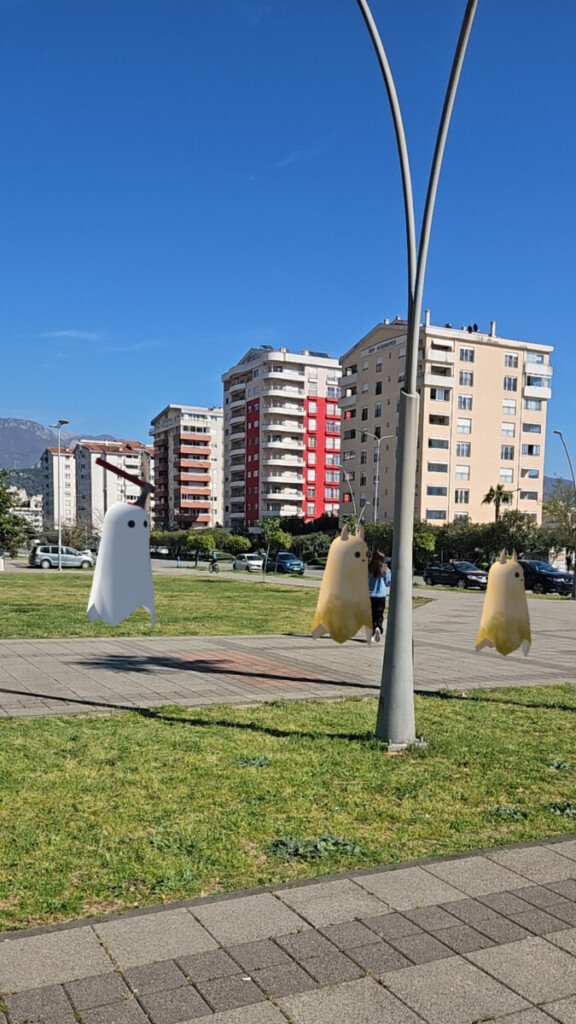
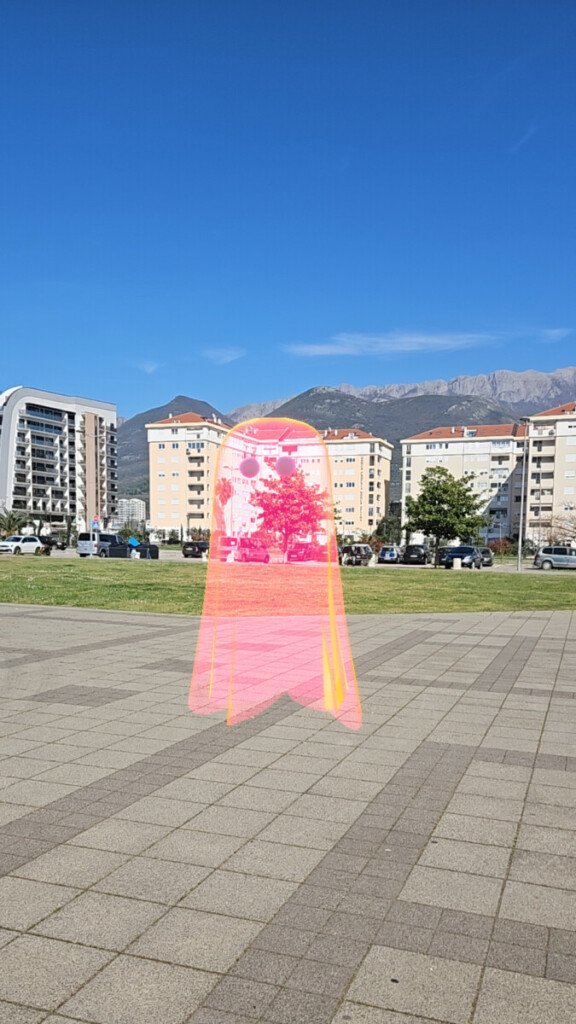
The AR Foundation calls this Environment Depth—the distance from the device to any part of the environment within the camera’s field of view. If the depth map sees a table in front of it, a virtual object located “behind” the table will be partially obscured. This is the basic and most important type of occlusion for an AR game, where the object should “stand in the room,” not on top of the image.
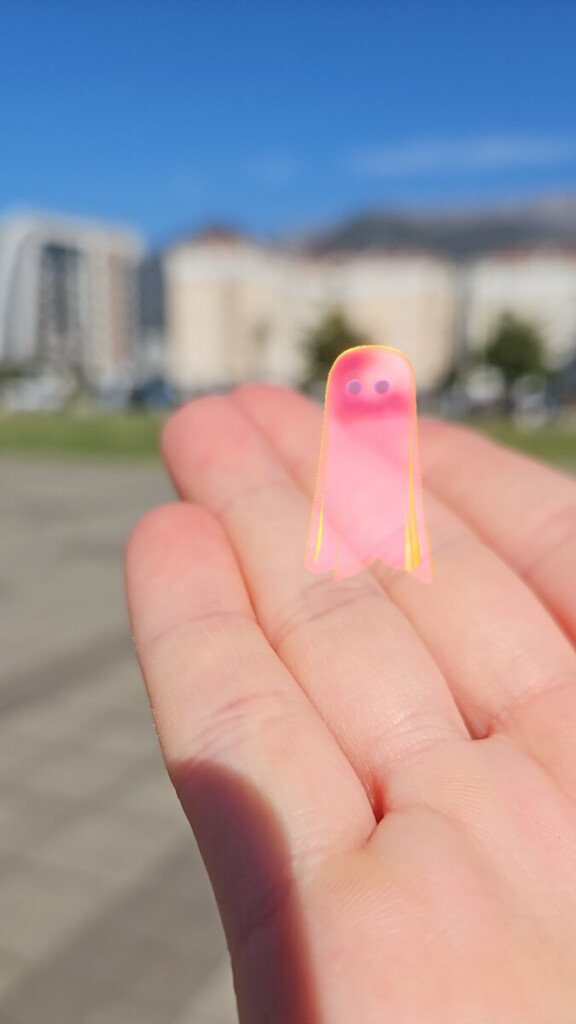
Human Occlusion / Human Depth
This is occlusion specifically related to humans.
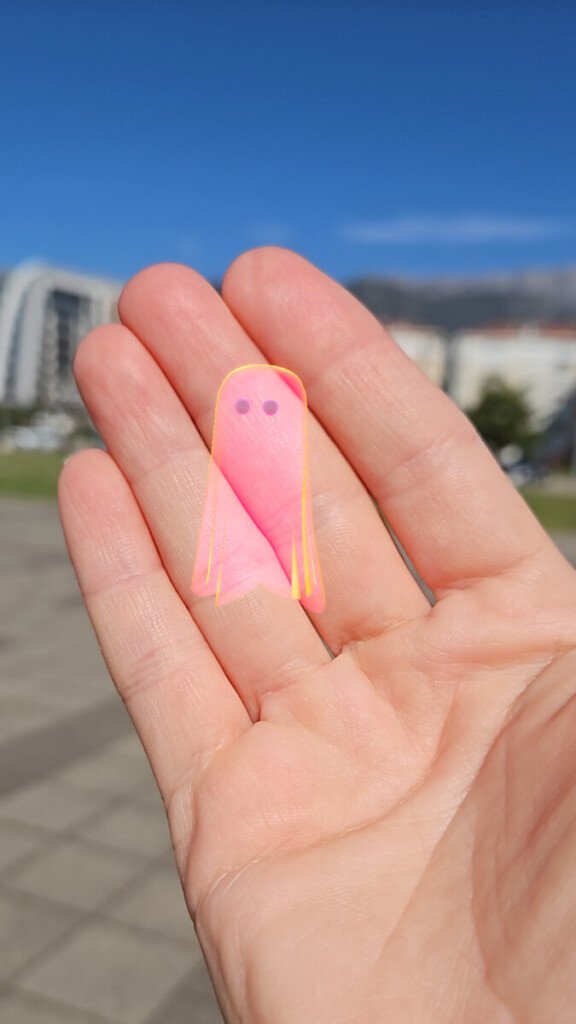
Human Depth is the depth of body parts of a human recognized in the frame. This is useful when a player approaches an AR object and should naturally obscure it with their body or hand. For example, if a monster is standing “behind” the player, the player’s body should obscure part of the monster. In Unity, this is especially relevant due to ARKit support.
Human Stencil
Human Stencil is not a full depth map, but essentially a mask that says for each pixel: “is there a person here” or “is there not a person here.”
It is useful when quickly and reliably extracting a human silhouette is more important than maintaining precise depth throughout the entire scene. In some scenarios, this is sufficient to prevent characters, effects, or interface parts from being drawn over a person.
Choosing between Environment and Human Occlusion
AR Foundation has an Occlusion Preference Mode that allows you to choose which to prioritize when both an environment texture and a human stencil/depth are available. For ARKit, Unity specifically notes that human stencil/depth are supported there, and that environment and human depth are not used simultaneously as a single, shared occlusion mode.
-
Types by Rendering Quality
Hard occlusion is the simplest option.
The boundary between the visible and hidden parts of the object is hard. This is computationally cheaper, but jaggies or rough edges may be noticeable. For low-end devices, this is often a reasonable compromise.
Soft occlusion is a higher-quality option.
The occlusion boundary is softer and more visually pleasing, especially on complex contours, such as around hands, hair, furniture edges, and uneven objects. However, this comes at the cost of GPU performance. Unity explicitly recommends checking whether the target device has sufficient resources for soft occlusion.
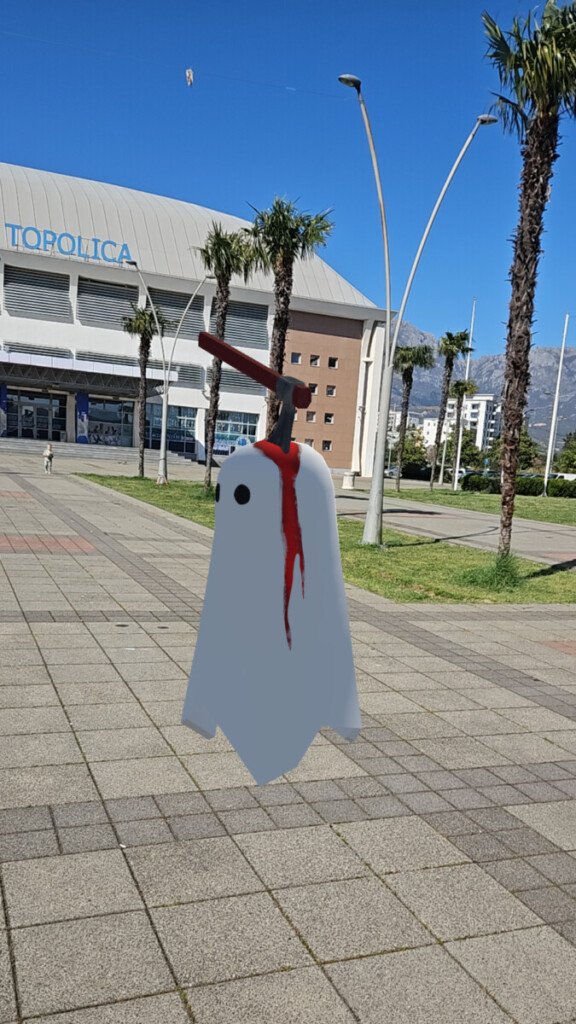
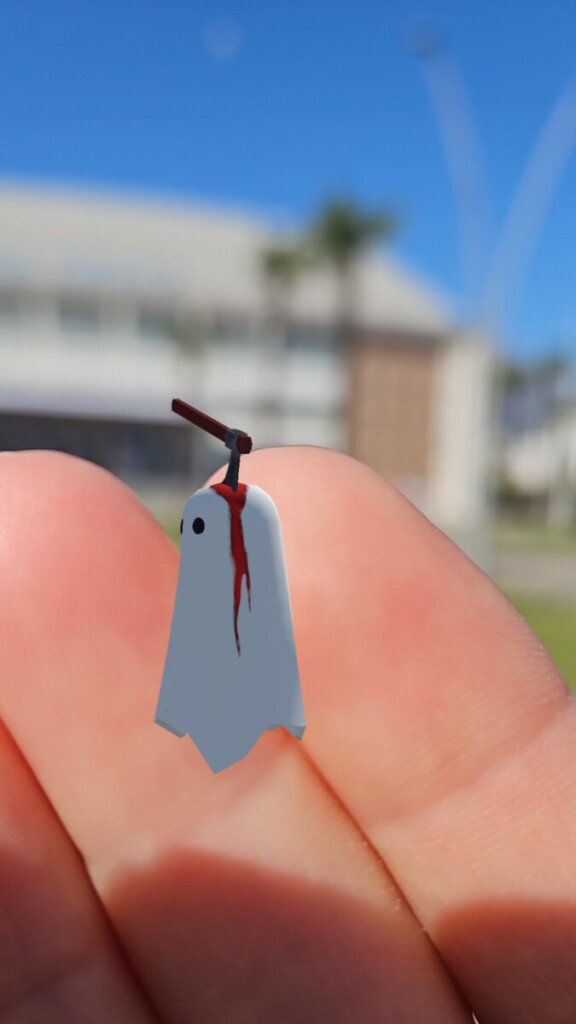
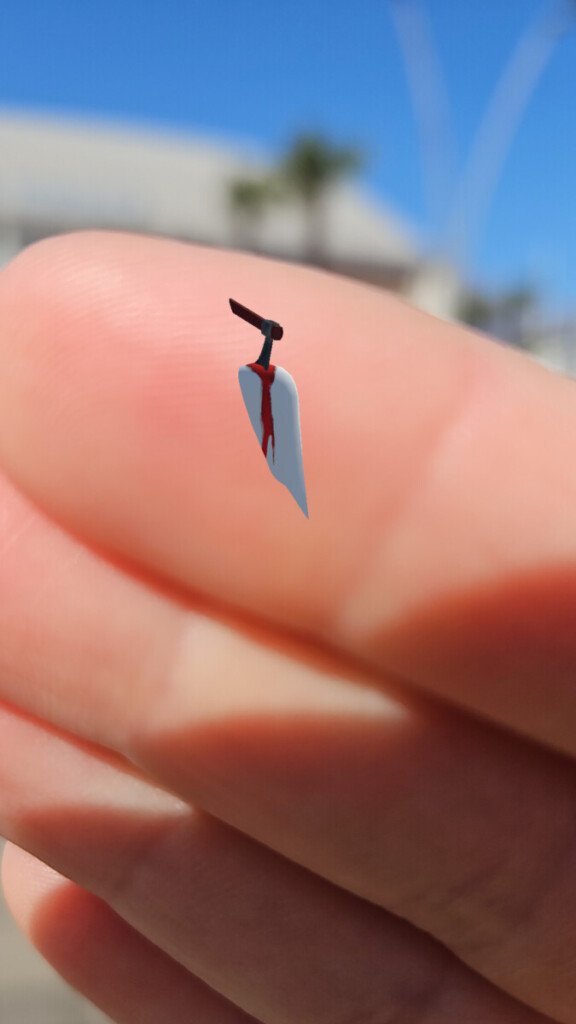

Why is occlusion needed in an AR game?
The first and most obvious reason is realism.
When a virtual object can disappear behind a real table or wall, the player’s brain begins to perceive it as part of the space, rather than as a flat layer on top of the camera. This is why occlusion is considered one of the fundamental technologies for believable AR. Both Unity and ARCore directly link depth/occlusion to increased realism and immersion. The second reason is scene readability.
Without occlusion, objects begin to visually “break” perspective: an enemy might appear on top of a table, even though logically they should be standing behind it. It becomes difficult for the player to judge the object’s position in space. With occlusion, proper depth is achieved: nearby real objects overlap distant virtual ones, and the scene becomes more readable.
The third reason is game design and interaction.
Occlusion helps build mechanics where an object “hides” behind real objects, appears from behind a wall, partially peeks out from under a table, or is obscured by the player’s body. This is especially useful in AR horror, shooter, stealth, quest, or hidden object games. ARCore specifically points out that depth is useful not only for occlusion but also for more accurate hit tests and more realistic object placement on surfaces.
How We Use Occlusion in the Game
If we describe this as the architecture of our AR game, the logic is typically as follows:
We use environmental occlusion.
When a virtual character, object, enemy, or effect is placed in a real room, it should be partially obscured by furniture and architecture.
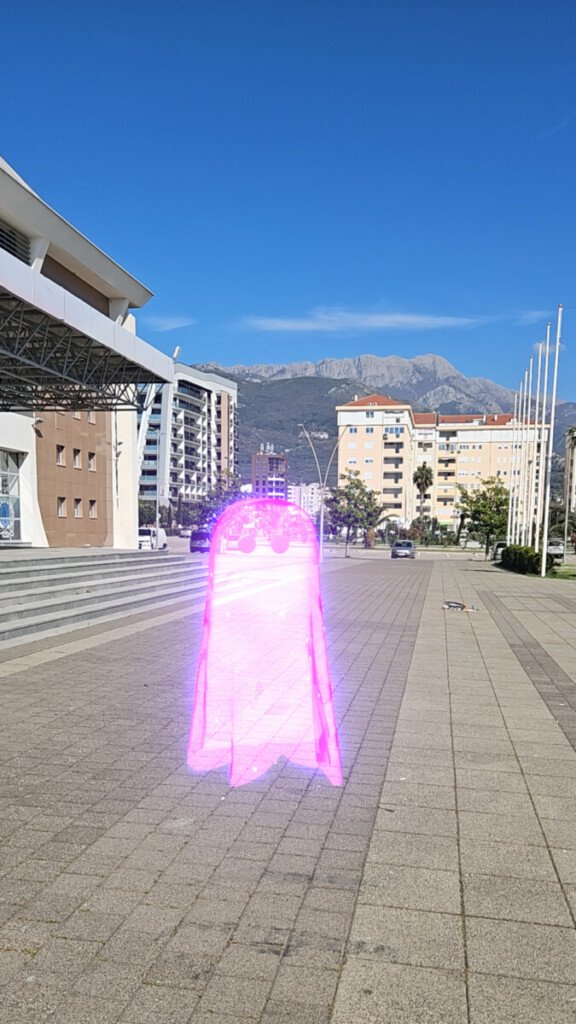
Example: a creature walks along the floor near a sofa. As soon as part of its body moves “behind the sofa,” the environment’s depth data occludes that part. The player sees the object as actually being in the room, not just drawn on the screen. This is a typical use of Environment Depth.
We use human occlusion.
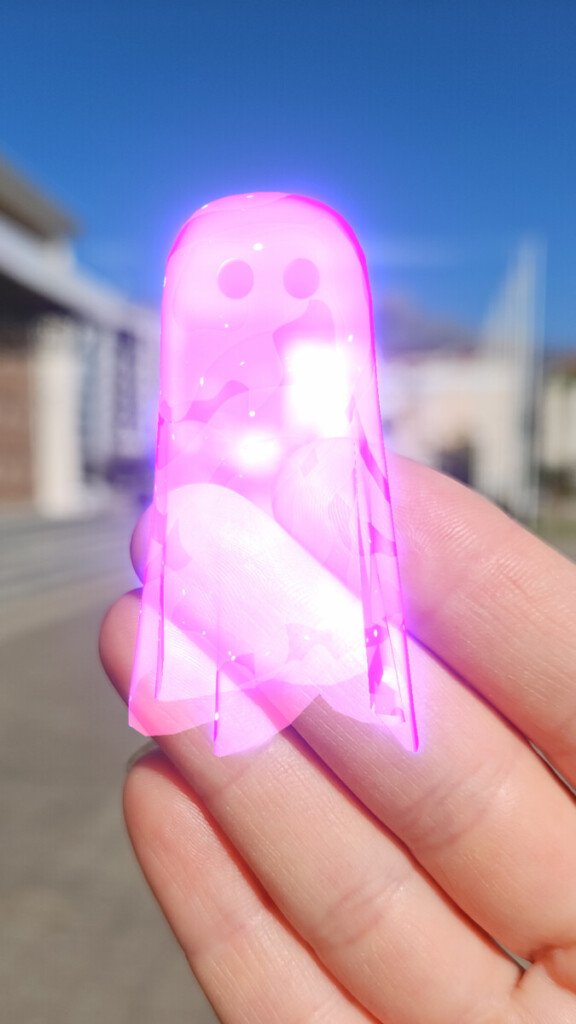
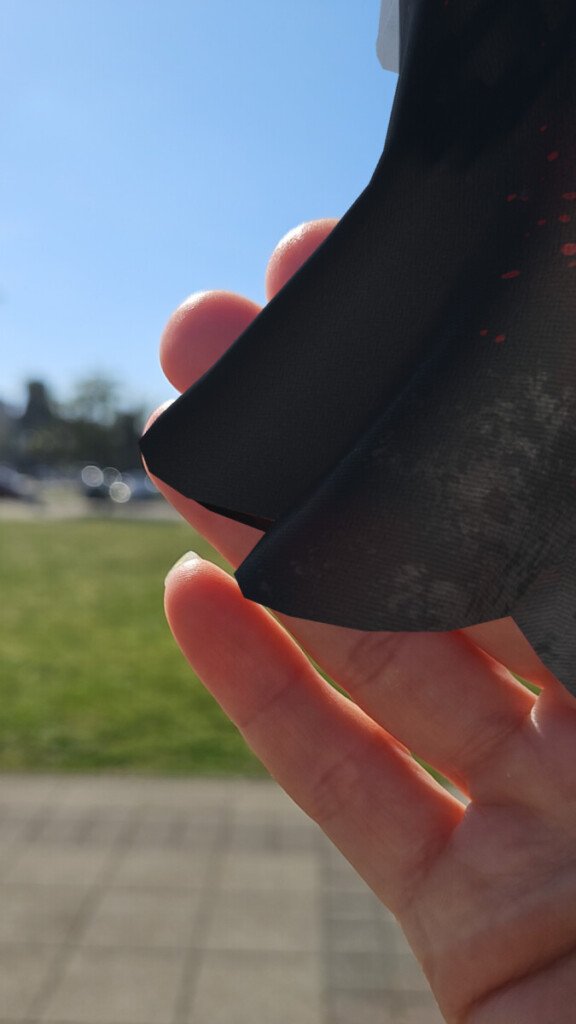
If the game involves close interaction with an AR object, it’s important that the player’s hands, torso, or entire body can occlude the virtual object.
Example: when a player bends over an AR chest or walks between the camera and an AR character, the player’s body should naturally obscure part of the content. For this, Human Stencil and/or Human Depth are used, if the platform supports them.
We use occlusion as a means of “planting” an object in space.
When an object is placed on the floor, against a wall, or behind the edge of a table, occlusion not only helps hide parts of it but also confirms its position in the real world.
Even if the object is static, proper partial occlusion anchors it to the scene. In AR, this is more powerful than a simple shadow or anchor: the player immediately believes the object is truly at a certain depth.
We don’t confuse occlusion with physics.
This is an important engineering consideration.
Occlusion is responsible for visual concealment, but it doesn’t replace collisions, navigation, or game logic. Just because a monster is visually “hidden” behind a table doesn’t mean the table has become a physical obstacle for AI or projectiles. Colliders, hit rules, and the like are needed for that. This isn’t so much a documentation feature as it is a proper separation of system responsibilities within a project.
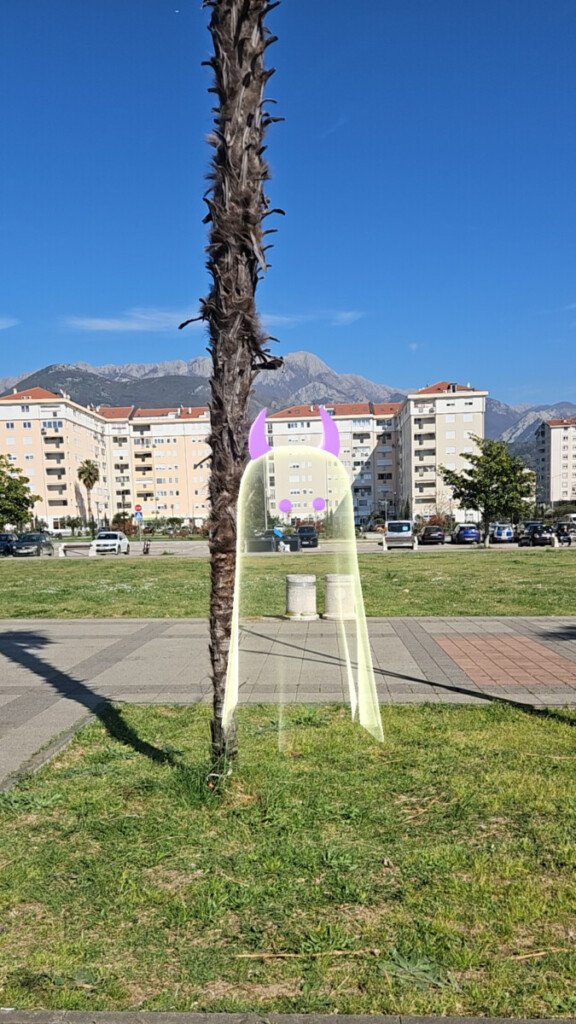
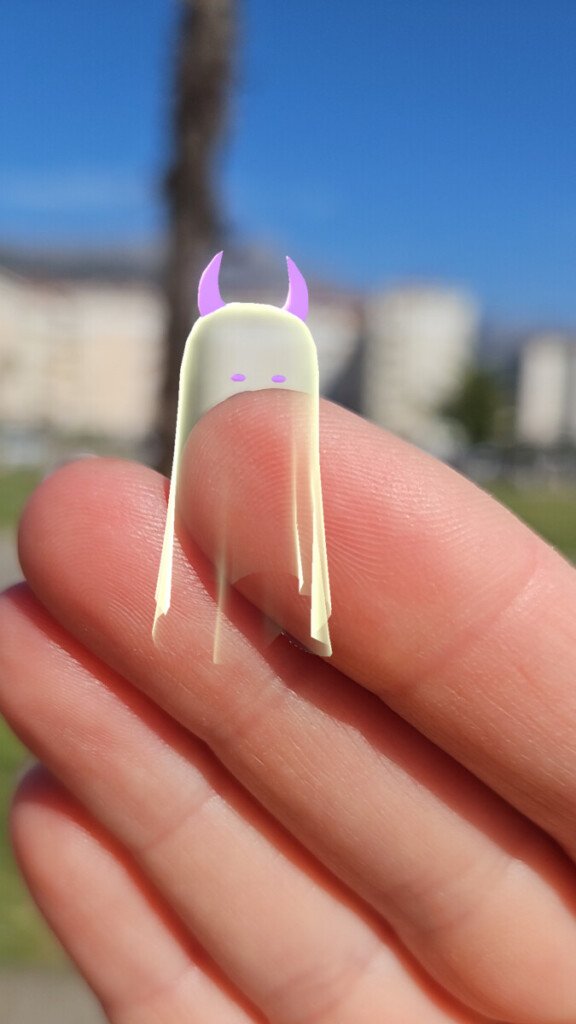
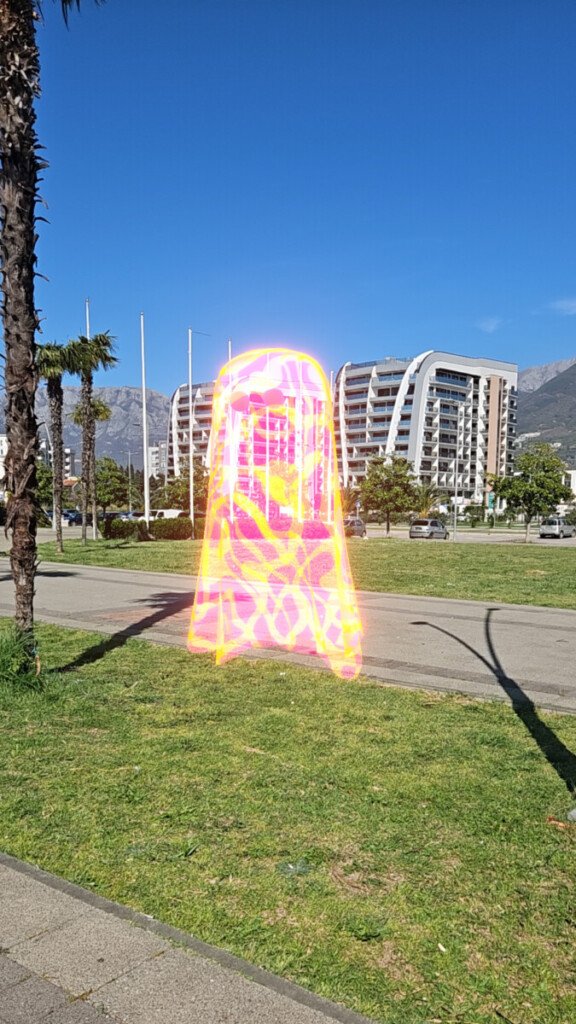
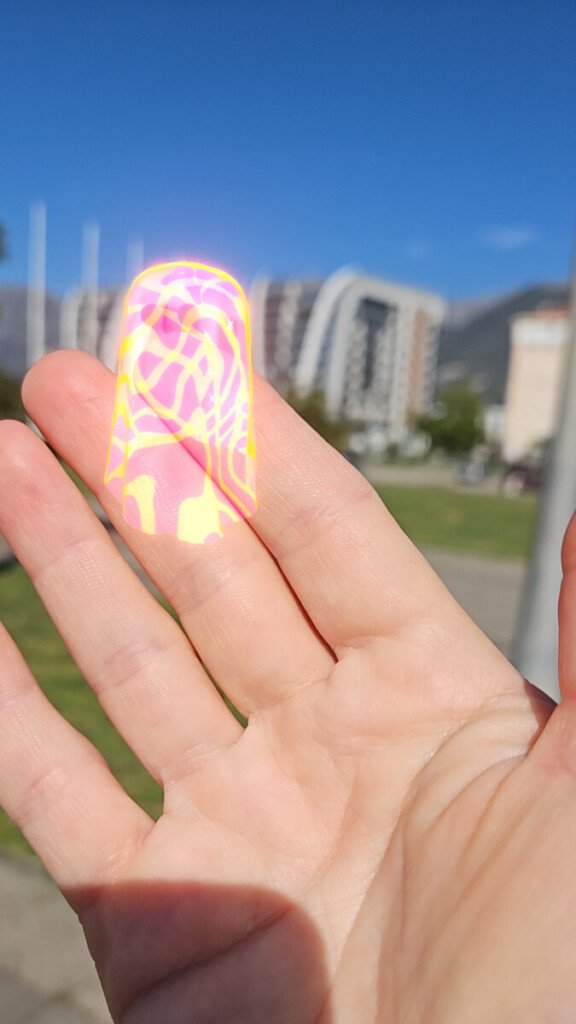
In game terms, occlusion in our AR game solves four problems at once.
The first is verisimilitude. Objects look as if they’re actually standing in the player’s room. They can disappear behind furniture, peek out from around corners, and not break perspective.
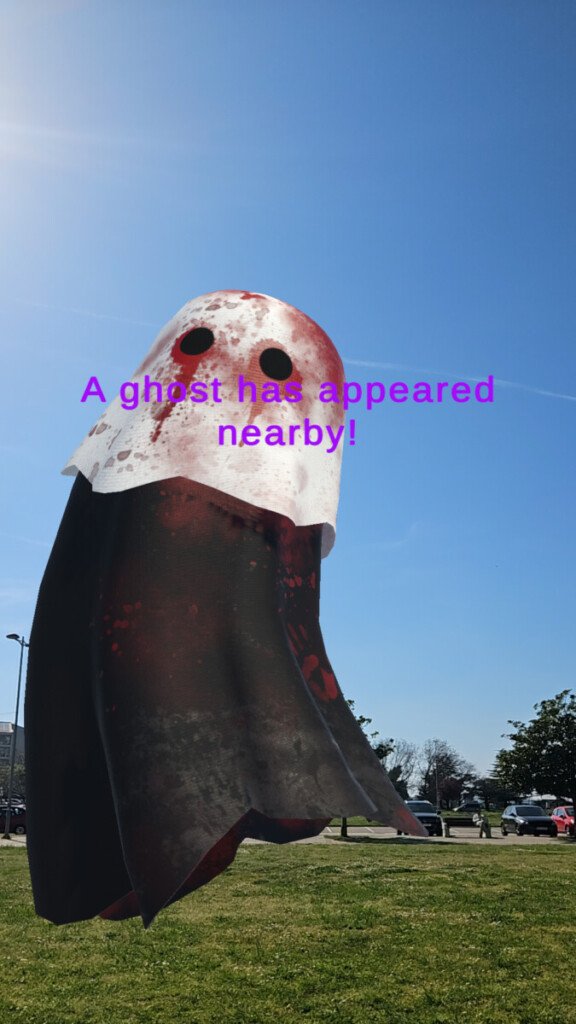
Second is dramaturgy. We can structure the appearance and disappearance of objects not as simple spawns “on screen,” but as behavior in space: an enemy peeks out from behind a cabinet, an artifact is only partially visible from under a table, a clue flashes through a doorway.
Third is quality of interaction. The player senses the distance to the object. There’s a feeling that the character can be “walked around,” “covered,” or “looked at.” This enhances the sense of presence.
Fourth is visual clarity. Fewer instances of a model awkwardly drawn over a hand, face, furniture, or wall.
Limitations and Important Points
Occlusion isn’t perfect.
Depth data can be noisy, especially on thin objects, shiny surfaces, in low light, on glass, during fast camera movements, and on devices with weak depth support. Unity offers temporal smoothing for environment depth to reduce noise and make occlusion more stable. Occlusion always comes at a cost to performance.
The higher the quality of the mode, the higher the load. Soft occlusion is visually better, but more expensive for the GPU; higher-quality depth/segmentation modes also typically require more computation. Therefore, it’s important to test your game on real target devices, not just in the editor. ARCore also emphasizes that the Depth API isn’t supported on all compatible devices and is disabled by default to conserve resources.
Bottom Line.
In short, occlusion in a Unity AR game is a mechanism that allows real objects to correctly occlude virtual ones. In our project, we need it to make AR content feel like it’s part of the real space, not just an image overlaid on the camera. The main types we work with are Environment Depth and Human Depth (Human Stencil).
Occlusion brings AR to life: a monster can hide behind a sofa, an artifact can peek out from under a table, and a virtual object doesn’t hang over the camera, but seems to be present in the room. It’s details like these that make AR magical.